Why Your Google Business Profile Isn’t Showing Up and How to Fix It
Your Google Business Profile may not show up due to issues like suspension, verification problems, or incorrect settings. Check for profile suspension, ensure verification is complete, confirm business information accuracy, and review local SEO practices to resolve reach problems effectively.
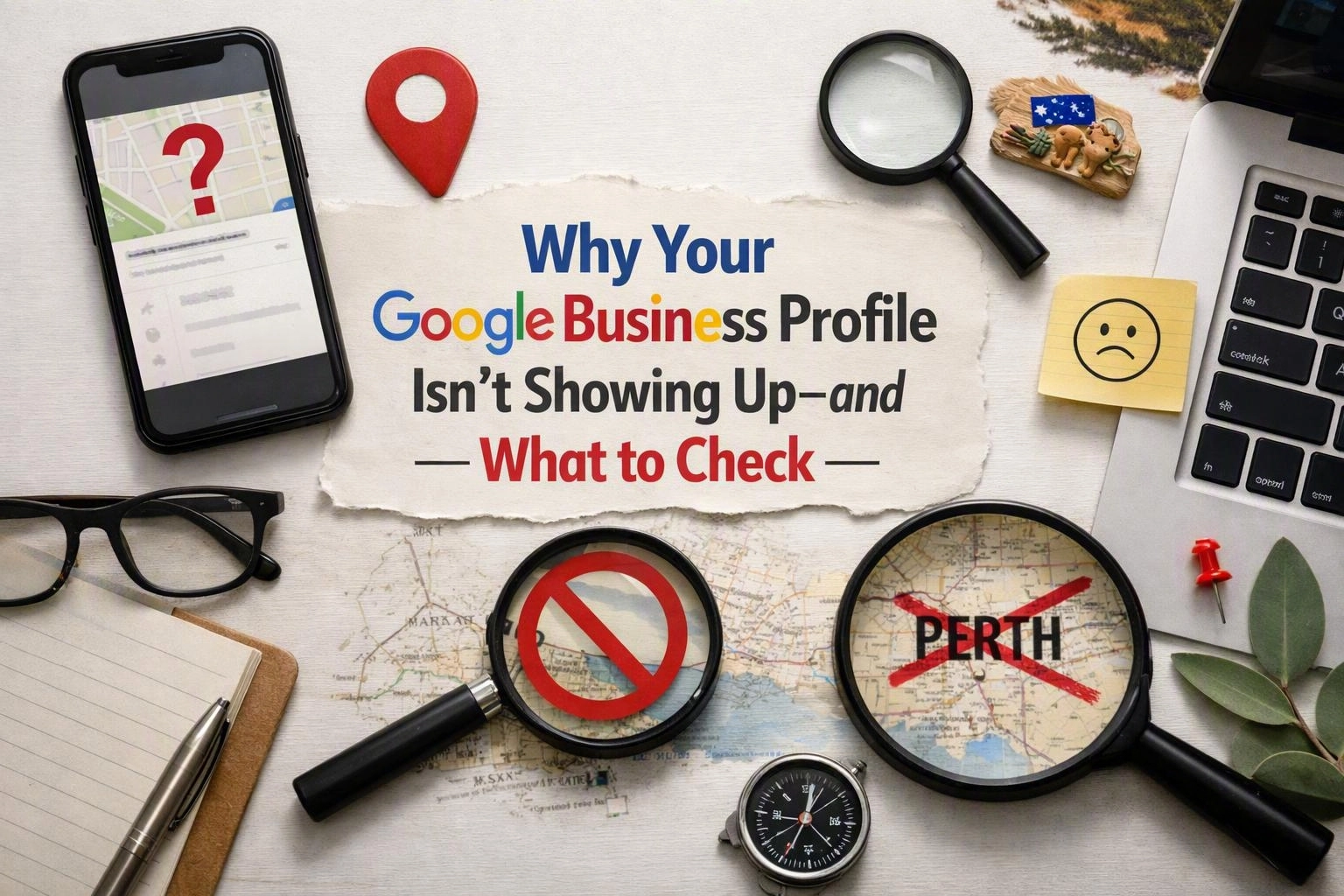
Why is my Google Business Profile not showing up? In most cases, the cause is a suspended listing, a delayed verification process, inaccurate business information, weak local search ranking, or a recent edit waiting for review. These are the first checks our team makes when diagnosing business profile reach problems.
This guide explains how to troubleshoot your Google Business Profile, understand policy and suspension criteria, and fix the common issues that stop a Google My Business listing from appearing in search results or on Google Maps. We also cover practical Local SEO steps, so you can improve your online business presence without guesswork.
Author, SEO Agency Perth
Common Reasons Why Your Google Business Profile Is Not Showing Up
Google Business Profile reach issues often stem from suspension, incomplete verification, incorrect business information, or policy violations. Identifying these common reasons helps you address why your profile isn’t showing up in Google search or Maps.
Google My Business problems are often technical and procedural at the same time. A listing may look complete, yet still fail because the profile verification was not finalised correctly or because the category choice does not match the real service. Understanding Google Business Profile policies and suspension criteria is important before making more edits. As repeated changes can slow review times.
If you are asking why is my Google Business Profile not showing up, start with status, compliance, and accuracy before assuming the system is broken. In many cases, the answer is hidden in the dashboard warnings, your verification history, or a mismatch between your listing and your wider online business presence.
Why Your Verified Google Business Profile Might Not Appear on Google or Maps?
A verified Google Business Profile might not appear due to factors like recent updates pending review, incorrect category selection, or local SEO issues affecting ranking on Google Maps and search results.
If your verified business is not showing on Google, the profile may be live but filtered, outranked, or delayed. Verification confirms ownership, but it does not guarantee strong reach. Google still reviews the listing for relevance, trust, and compliance after a profile is verified.
One common issue is a recent change to core details. A new address, service area, phone number, or primary category can send the profile back into a review state. During that time, your Google Maps listing may appear inconsistently or not at all. This is especially common after bulk edits or account changes.
Another cause is poor category selection. If the main category does not match what the business really does. Google may struggle to place the listing in the right search results. A business profile that is technically verified can still perform badly if the search algorithm finds stronger, more relevant alternatives.
Local SEO also matters here. Weak citations, few reviews, low website relevance, and inconsistent business information can reduce local ranking. That is why a verified business not showing on Google Maps is often a ranking issue rather than a verification failure. Effective Google Business Profile improvement in Perth, or anywhere else, usually starts by improving relevance, trust, and completeness instead of making random edits.
What to Do When Your Google Business Profile Is Suspended?
When your Google Business Profile is suspended, review Google’s guidelines, identify the violation, submit a reinstatement request, and correct any issues to restore your profile’s reach.
If you are asking what to do when Google Business Profile is suspended, the key is to fix the root cause first, then file a clean request. Technical verification and reinstatement procedures for business profiles work best when the listing matches real business operations and public records. Our team often sees delays caused not by the appeal itself, but by unresolved listing errors left in place.
Common Google Business Profile Mistakes That Hurt Your Local SEO
Common Google Business Profile mistakes include inconsistent business information, keyword stuffing, neglecting reviews, and improper category selection, all of which negatively affect local SEO speed and profile reach.
If your local SEO is not working. Mistakes in the profile are often part of the answer. A business listing is not just a contact card. It is a trust signal tied to your website, reviews, and wider online business presence. Poor listing improvement can limit reach even when the business is legitimate and verified.
Effective local SEO plans to enhance online business reach usually focus on clean data, relevant categories, active review management, and consistent signals across the web. A good SEO Agency will usually audit the listing first before changing website content. Because many ranking issues start inside the profile itself.
How to Improve Your Local SEO When Your Google Business Profile Isn’t Showing?
Improving local SEO involves optimising your Google Business Profile with accurate information, gaining positive reviews, using relevant categories, and regularly updating your profile to enhance reach in local search results.
Google Business Profile improvement works best when it is tied to Local SEO as a whole, not treated as a one-off fix. The profile, your site, your reviews, and your citations all support each other. If one part is weak, the entire Google Maps listing can struggle.
Prevention matters too. These steps help stop the same issue from happening again.
Signs Your Google Business Profile Isn’t Showing Up Correctly
Signs your Google Business Profile isn’t showing include absence in Google Maps, no appearance in local search packs, missing business details, and lack of customer reviews visible in search results.
- Your business does not appear for its own name search.
- Your listing is missing from Google Maps even though you can manage it in the dashboard.
- Your phone number, hours, or address do not show correctly in search results.
- Customer reviews exist in the account but are not visible publicly.
- The profile appears on desktop but not on mobile, or the other way around.
- You have a verified business, but it never shows in the local pack for relevant searches.
If you notice several of these signs together. The issue is usually more than simple ranking fluctuation. It may point to a verification status problem, a pending review, or a quality issue affecting reach.
Questions About SEO Agency in Perth, Western Australia
Related Resources
Local SEO Guide, How Local Rankings, Google Business Profiles, and Citations Work.
what is local SEO and how does it work
What It CostsHow Much Does SEO Cost in Perth? A Practical Pricing Guide
SEO agency Perth cost
Compared ToLocal, National, International or Ecommerce SEO, Which Service Is Right for Your Business?
local SEO vs national SEO cost Australia
How It WorksHow Long Does SEO Take to Work in Perth? Timelines, Milestones and Expectations
how long does SEO take Australia